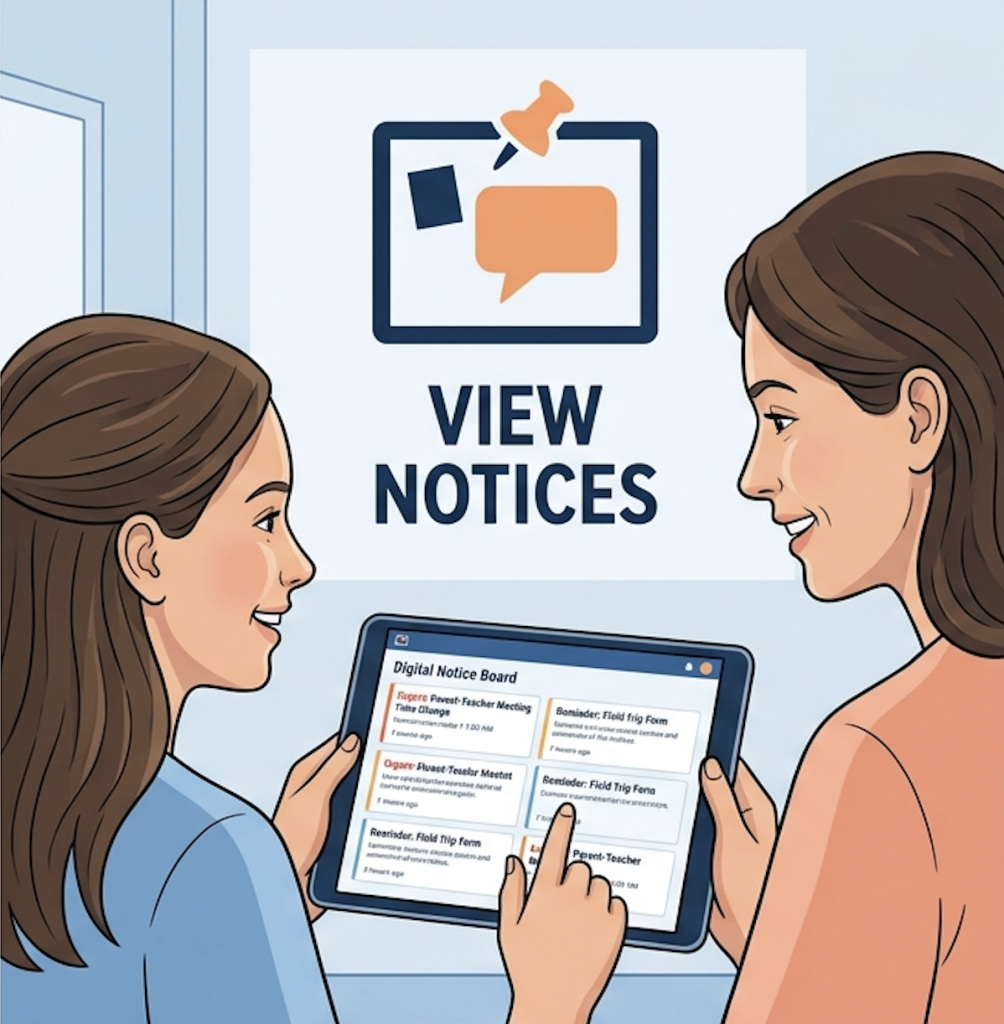
notice board

  • Viewing school announcements as a Student or Parent

    Viewing school announcements as a Student or Parent

    Notice Board is used to share important, official announcements with students, parents, or staff.

    View Notices

    Where to Access

    • Login as Student/ Parent
    • Go to Message Center → Notice Board

    What You’ll See

    • 📌 Pinned notices (on top)
    • Latest notices below
    • Filters:
      • Search
      • Tag
      • Date

    Frequently Asked Questions

    Go to Message Center → Notice Board.

    You may not be part of the selected audience (grade/division/school).

    Pinned notices are important announcements shown at the top for easy access.

    No. Notices are for viewing only and do not allow interaction.

    Yes. Use filters like Search, Tag, or Date to find specific notices.

  • Create & Manage Notice Board

    Create & Manage Notice Board

    Notice Board is used to share important, official announcements with students, parents, or staff.

    How to Create a Notice

    1. Click + New Post
    2. Select Notice
    3. Select Audience:
      • School / Multiple Schools
      • Board → Grade → Division
    4. Choose visibility:
      • Students / Parents (or both)
    5. Add:
      • Title
      • Description
      • Optional: URL / Attachments (upto 5 attachments only)
    6. Select Post Tag (Alert / Circular if needed)
    7. Click Save & Publish

    ⚠️ Important Guidelines

    • Use for official communication only
    • Avoid using for daily updates or homework
    • Pin only critical notices

    Manage Notices

    • Go to Notice Board
    • Use 3 dots (⋮) to:
      • Edit
      • Delete
      • Pin (Max 3 pinned posts per school)

    Frequently Asked Questions

    Only staff members with the required permissions (Admin/Coordinator/Authorized Staff) can create notices.

    Yes. You can select multiple schools. In this case, Board–Grade–Division defaults to “All”.

    Yes. Go to Notice Board → click the 3 dots (⋮) → select Edit.

    You can pin up to 3 notices per school. Older pinned notices must be unpinned first.

    Yes. Use the checkboxes under “Visible to” while creating the notice.