View almanac

  • View Almanac (Students and Parents)

    View Almanac (Students and Parents)

    Almanac is the centralized academic calendar module within the K-12 LMS. It provides a structured and reliable source of information for all school-related events, including academic activities, examinations, holidays, vacations, and institutional events.

    Parent and Student Guide (Desktop & Mobile App)

    Access Almanac

    • Mobile App (ios and Android)
      • Login to your account
      • Navigate to More –> Almanac
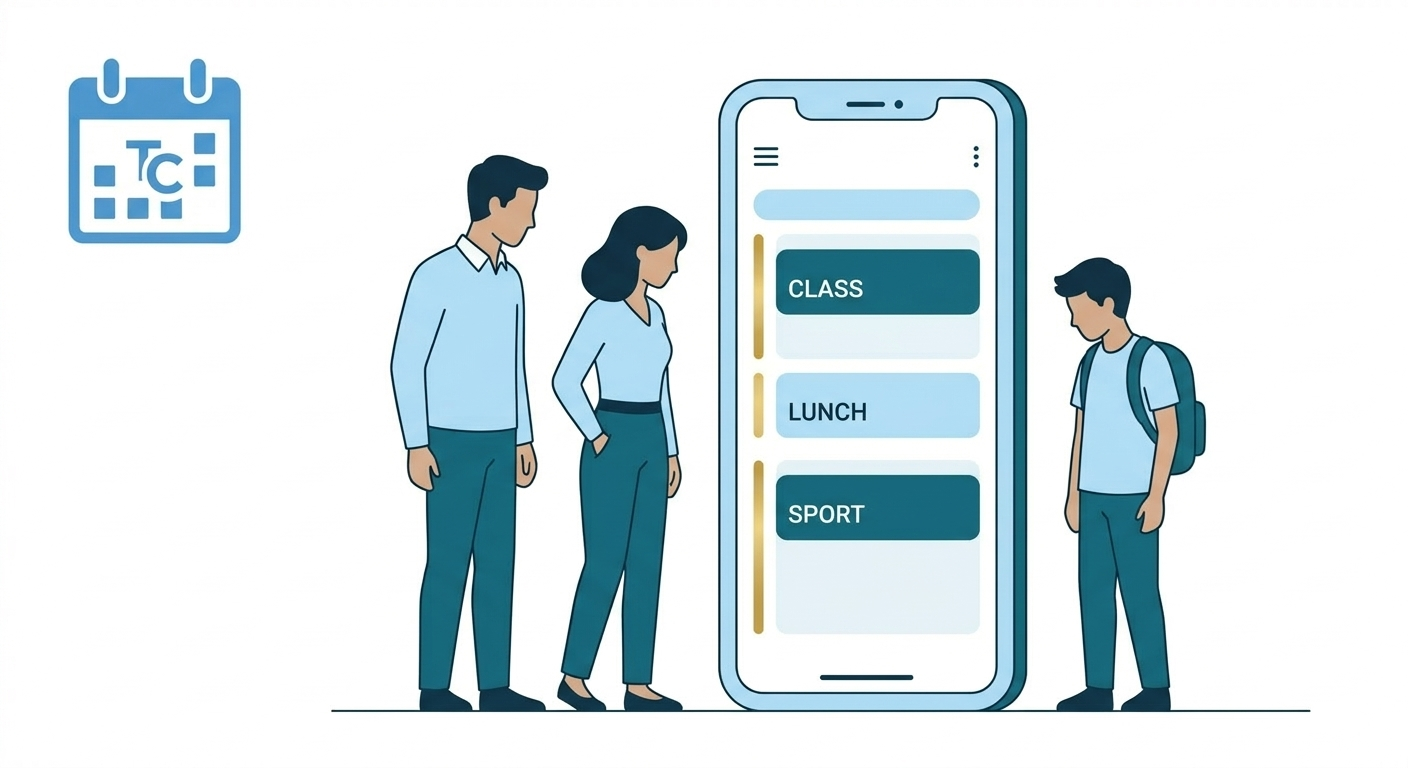
      • Events are displayed in a list format
      • Apply filters to customise view
      • Use left and right arrows to switch months or tap the month name to change month or academic year

    • Desktop (Web)
      • Login to your account
      • Navigate via Side Navigation to Calendar –> Almanac
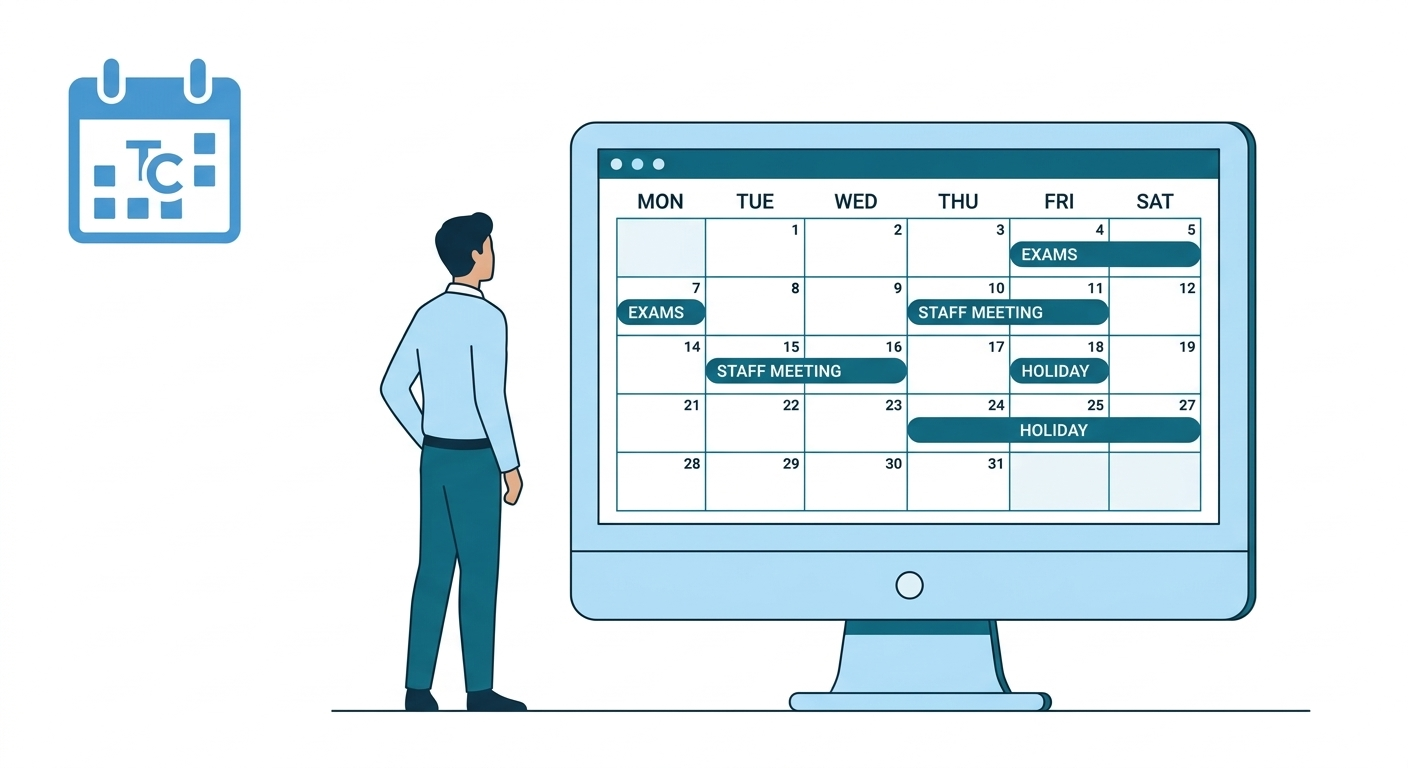
      • Events are displayed in a calendar format
      • Apply filters to customise view
      • Use left and right arrows to switch months

    Default View & Navigation

    • Current month opens as default
    • Mobile app auto-scrolls to current date
    • Event Detail contains Event name, Date, Time and Description

    Frequently Asked Questions (FAQs)

    You can access the Almanac by navigating to:
    More → Almanac in the mobile application.

    The Almanac includes all important school events such as:

    • Exams
    • Holidays and vacations
    • PTMs
    • School functions
    • Academic and co-scholastic activities

    No. The Almanac is read-only for parents and students.
    Events are created and managed by the school administration.

    A single day may include multiple school activities such as exams, competitions, or meetings.
    The Almanac displays all events scheduled for that day so you can stay fully informed.

  • View Almanac (Staff)

    View Almanac (Staff)

    Almanac is the centralized academic calendar module within the K-12 LMS. It provides a structured and reliable source of information for all school-related events, including academic activities, examinations, holidays, vacations, and institutional events.

    Role-Based Access Overview

    Access to Almanac is governed by role-based permissions.

    RoleWeb AccessMobile AccessCreate/Edit/DeleteView
    Super AdminYesNoYesYes
    HO AdminYesNoYesYes
    School AdminYes (View Only and Personalised to LMS mapping)NoYesYes
    TeacherYes (View Only and Personalised)NoNoYes
    ParentYes (View Only)YesNoYes
    StudentYes (View Only)YesNoYes

    Access Almanac

    • Click School management
    • Click Almanac to view
    • Opens Almanac screen with current month as default. School , Board and Grade filters will be selected as per LMS access.
    • Click on filters to change view

    Default View & Navigation

    • Current month opens as default
    • Side bar auto-scrolls to current date
    • Event Detail contains Event name, Date, Time and Description

    Frequently Asked Questions (FAQs)

    Event creation, editing, and deletion can only be done from the web version of the LMS.

    Events visible to you depend on your role and LMS mapping (such as school, grade, or board).
    If an event is not relevant to your assigned mapping, it may not appear in your view.

    You can use the filter option available on the Almanac screen.
    Tapping the filter icon opens a selection panel where you can refine the events displayed based on available filter criteria.

    Editing permissions depend on your role and access level.
    Only authorized administrators can edit events, and past or ongoing events cannot be modified due to system rules.